

Run your shop
Products
Add, edit and organise everything you sell.
The Products page is your catalogue. Each card shows the picture, price, number of batches, total stock and a status.
Live sample — click around, nothing is saved
Products
Manage your inventory and product catalog
12
All products in inventory
12
Available for sale
0
Needs restocking
2
Attention required

SKU: NIK-AJ1-001
ShoesPrice
Batches
Total stock
FIFO batches

SKU: APL-IP14-003
ElectronicsPrice
Batches
Total stock
FIFO batches

SKU: SNY-WH5-010
AudioPrice
Batches
Total stock
FIFO batches

SKU: PUM-SMS-004
SneakersPrice
Batches
Total stock
FIFO batches

SKU: SAM-S23-006
ElectronicsPrice
Batches
Total stock
FIFO batches
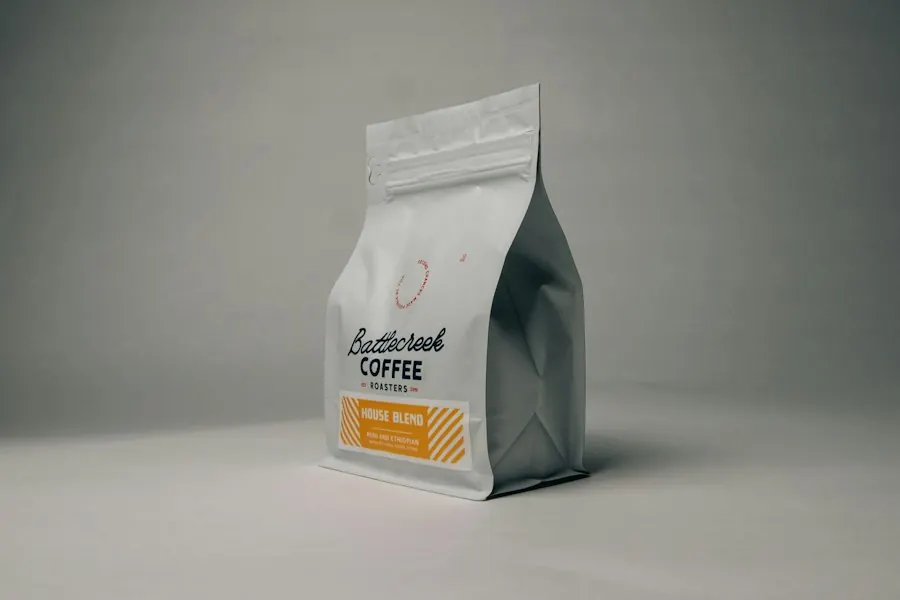
SKU: COF-SID-011
BeveragesPrice
Batches
Total stock
FIFO batches

SKU: NWB-247-007
SneakersPrice
Batches
Total stock
FIFO batches

SKU: LEV-501-005
ClothingPrice
Batches
Total stock
FIFO batches

SKU: TOY-TED-009
ToysPrice
Batches
Total stock
FIFO batches

SKU: LGT-NRD-012
LightingPrice
Batches
Total stock
FIFO batches

SKU: SKN-HFS-013
SkincarePrice
Batches
Total stock
FIFO batches

SKU: BKS-AHB-014
BooksPrice
Batches
Total stock
FIFO batches
Adding a product#
- 1
Press + Product
Fill in the name, SKU (your own code), category and brand. A category you type that does not exist is created for you.
- 2
Set the unit
Choose how it is sold: pieces, pairs, sets, boxes, packs, bottles, kilograms, grams, litres, millilitres, metres and more.
- 3
Add measurements, colour and size
Optional, but it keeps look-alikes apart: 0.5 L and 1 L whiskey, or the same shirt in red and blue.
- 4
Add pictures
Paste up to three picture links, or upload photos. Link must start with http:// or https://. If a link shows a broken picture, open the image on its website, right-click it, choose Copy image address and paste that.
- 5
Barcode (optional)
Type it or scan it with the camera button.
- 6
Save
The product appears in your list and, once you confirm it, in the customer app.
Add many products by photo#
Press Scan / Import. Choose what you are adding, then upload an Excel (.xlsx) or CSV file, take a photo of a price list, invoice or handwritten list, or paste the list as text. You check and fix the rows before anything is saved.
| Choose | Write each product on one line like this | What happens |
|---|---|---|
| Products only | Name, Code / ID, Category, Selling price | The product is added with no stock. |
| Products with stock | Name, Code / ID, Category, Selling price, Buying cost, Quantity | The product is added, and if Quantity is more than 0 a batch is created in the warehouse you pick. |
- Only the name is required. An empty code is made for you; the category is optional and an empty one becomes General (this is also true when you add or edit a product by hand).
- In an Excel or CSV file the first row can be headings in any order and in your own words — "Buying cost", "cost", "Purchase price" or even a small misspelling all mean the cost. A panel called How we read your columns shows what we understood and lets you change any column; without headings the columns are read in the order above. Download the CSV template to start. Old .xls files: save them as .xlsx or CSV first.
- Pasted lists can be separated by a comma, a tab, a semicolon or a |. A first line with headings is ignored.
- Photos are read on the server with open-source OCR (Tesseract): printed price lists and invoices work best, and neat handwriting often works. Hold the phone straight, in good light, and always check the rows before adding — codes and numbers are the things most often misread.
- Before anything is saved you see every row in a table you can edit. Categories are checked: the same category written with other capitals is matched to your spelling, a likely misspelling shows Did you mean “Drinks”? with a one-tap fix, and a new category is labelled New category.
- If a code already exists in your shop, that row is marked and the others are still added. Fix it and press the button again.
Finding things#
- Search by name, SKU or barcode (type at least three characters). Choose which field to search.
- Status filter: Active, Inactive, Out of stock.
- Reports and Export take what you see to a spreadsheet.
- Scan / Import adds many products at once from an Excel or CSV file, a photo or a pasted list. See "Add many products by photo" below.
Editing#
Press Edit on a card. The edit window fills the screen: pictures and status on the left, details on the right, and Save is always visible.
- Active products can be sold. Inactive are hidden. Out of stock blocks new orders.
- Changing a product's price here changes the base price. To update the price of existing stock use Price Management inside Batches.